Publications Plus Inc
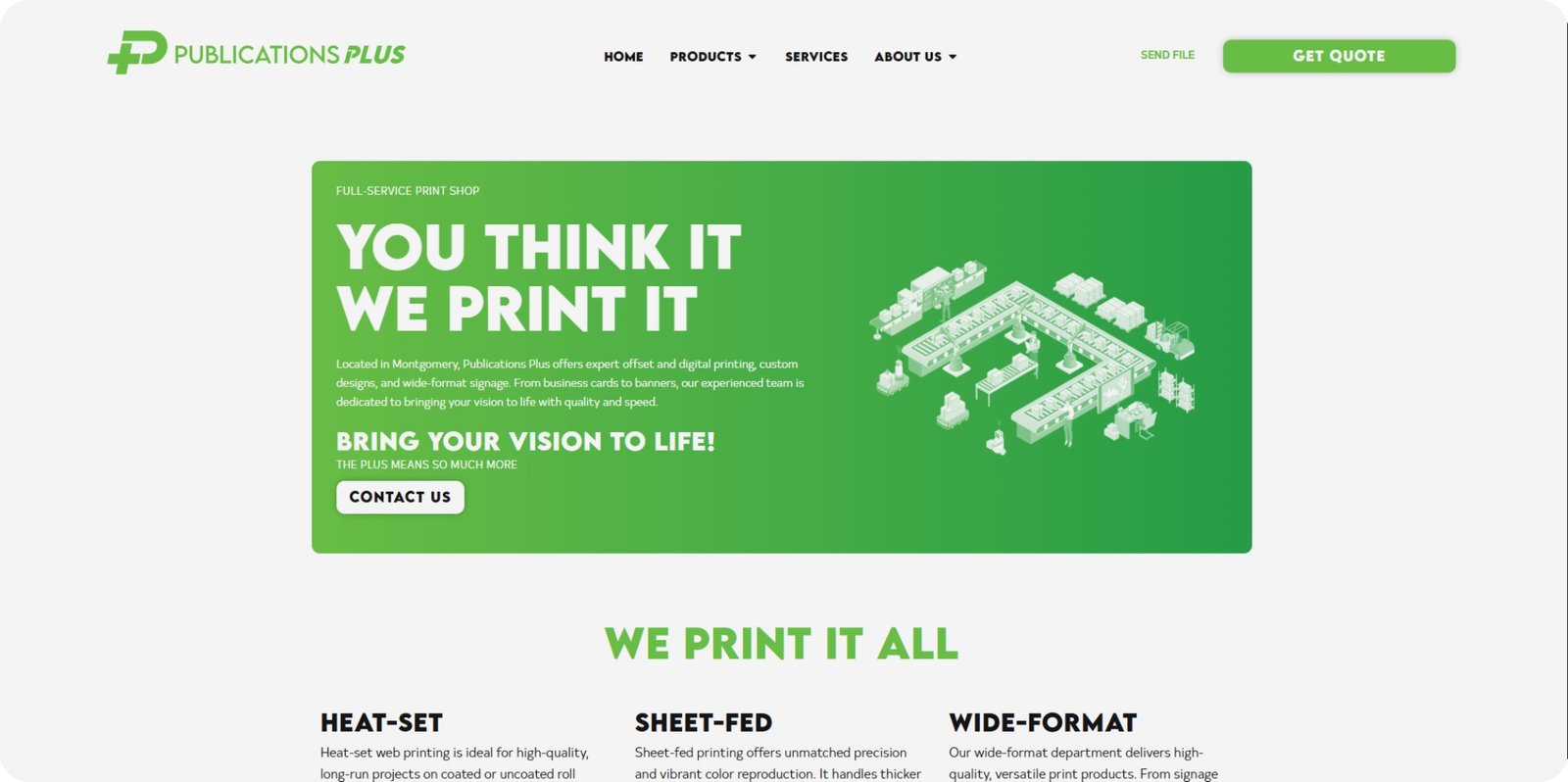
This website allows customers of Publications Plus to easily browse services, submit print files, and stay up to date with new offerings.
 View Site
Website Friendly Branding
Publications Plus already had a great brand when I started working on their website. Every brand, however, can benifit from having a web friendly brand. This includes some things like a "soft" white, shades of black, pre-decided typography sizing, and web elements such as buttons, link styles, and icons. I took the existing Publications Plus brand and expanded on it. The result is a clean, web friendly brand that still feels like "PubPlus".
The Main Features
Publications Plus’ website focuses on three key areas to make life easier for their customers.
Wordpress CMS
The CMS functionality allows for frequent updates to articles and product listings through a user friendly dashboard.
File Transfers
Customers can send print files directly through the website using a built-in transfer and quote form, no Dropbox, Google Drive, or WeTransfer needed.
Product Listings
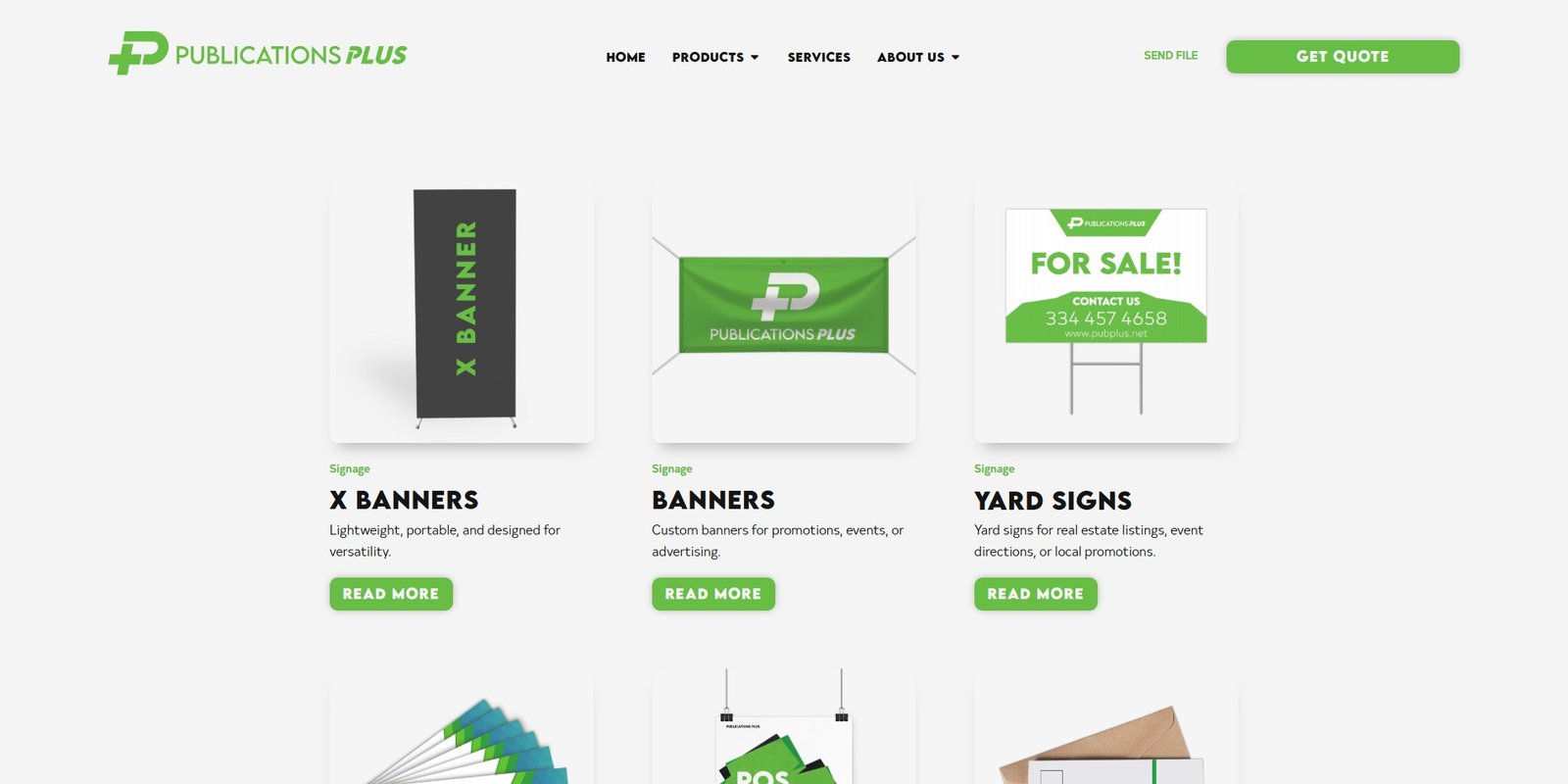
A dedicated “products” page lets customers browse all offerings, filter by category, and find exactly what they need quickly.
Regular Updates
This website is built on a Content Management System (CMS), which allows Publications Plus to manage content without needing a developer. I chose WordPress for this project because it’s one of the most widely used CMS platforms, with a large ecosystem of plugins that make it easy to add new features or expand the site as needed.
Why Use a CMS?
The main advantage of a CMS is that it lets you add new content regularly without manually creating pages or editing code. Users can follow the provided template, enter titles, write the body content, and upload photos. Once they hit “post,” a new page is live immediately. This makes it ideal for businesses that need to post updates, articles, events, or product listings on a frequent basis.
"Our Work Posts"
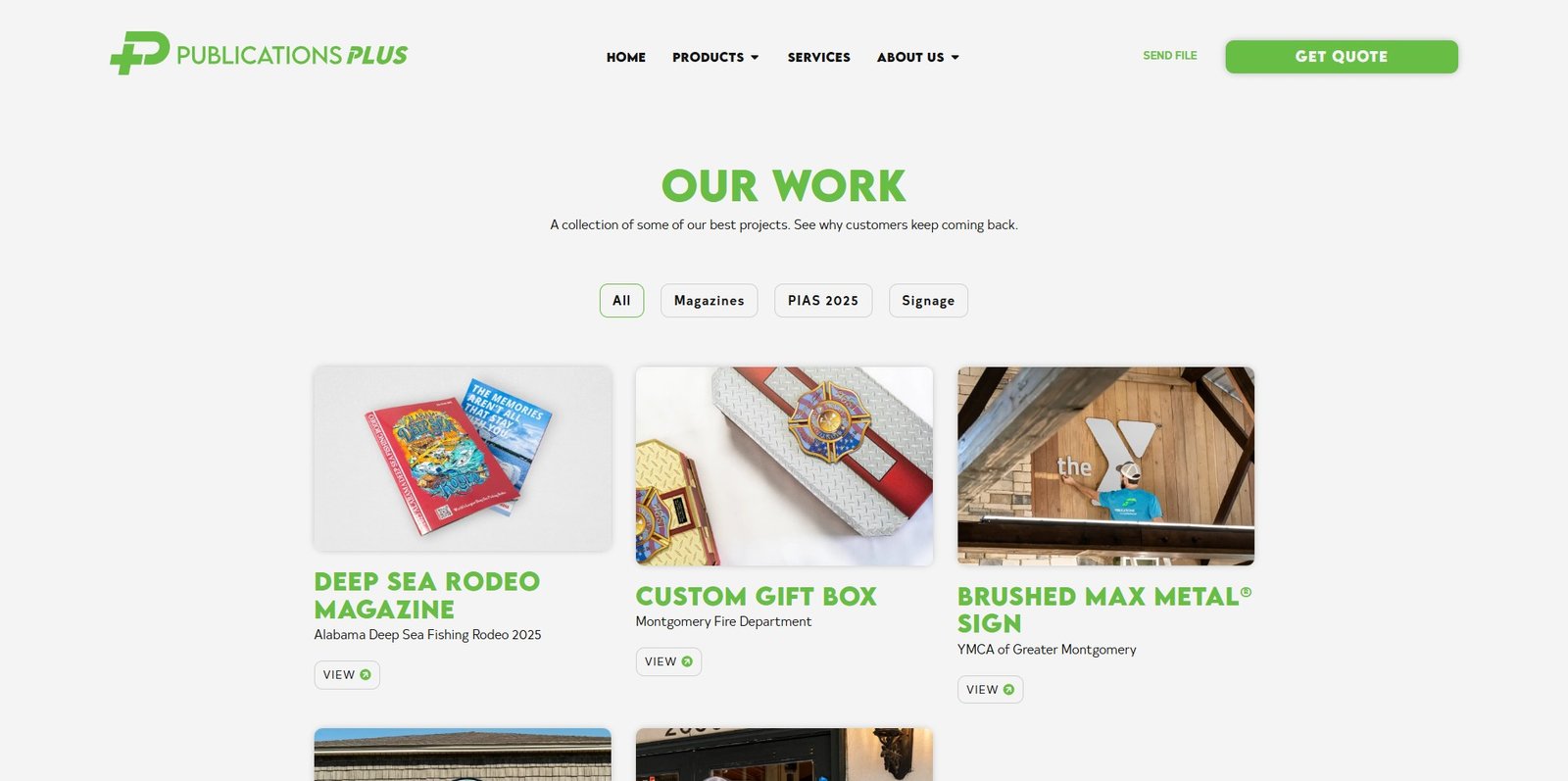
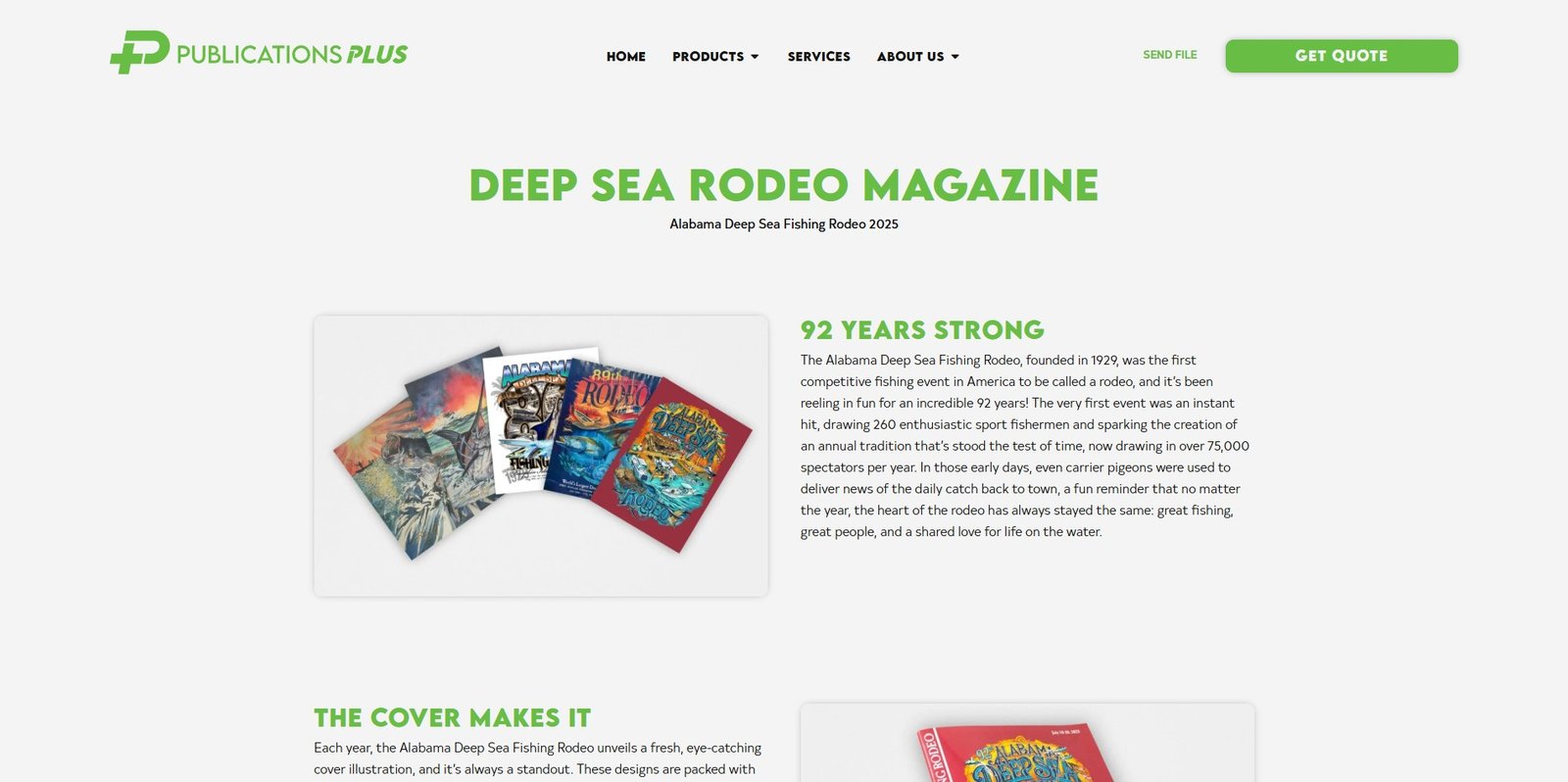
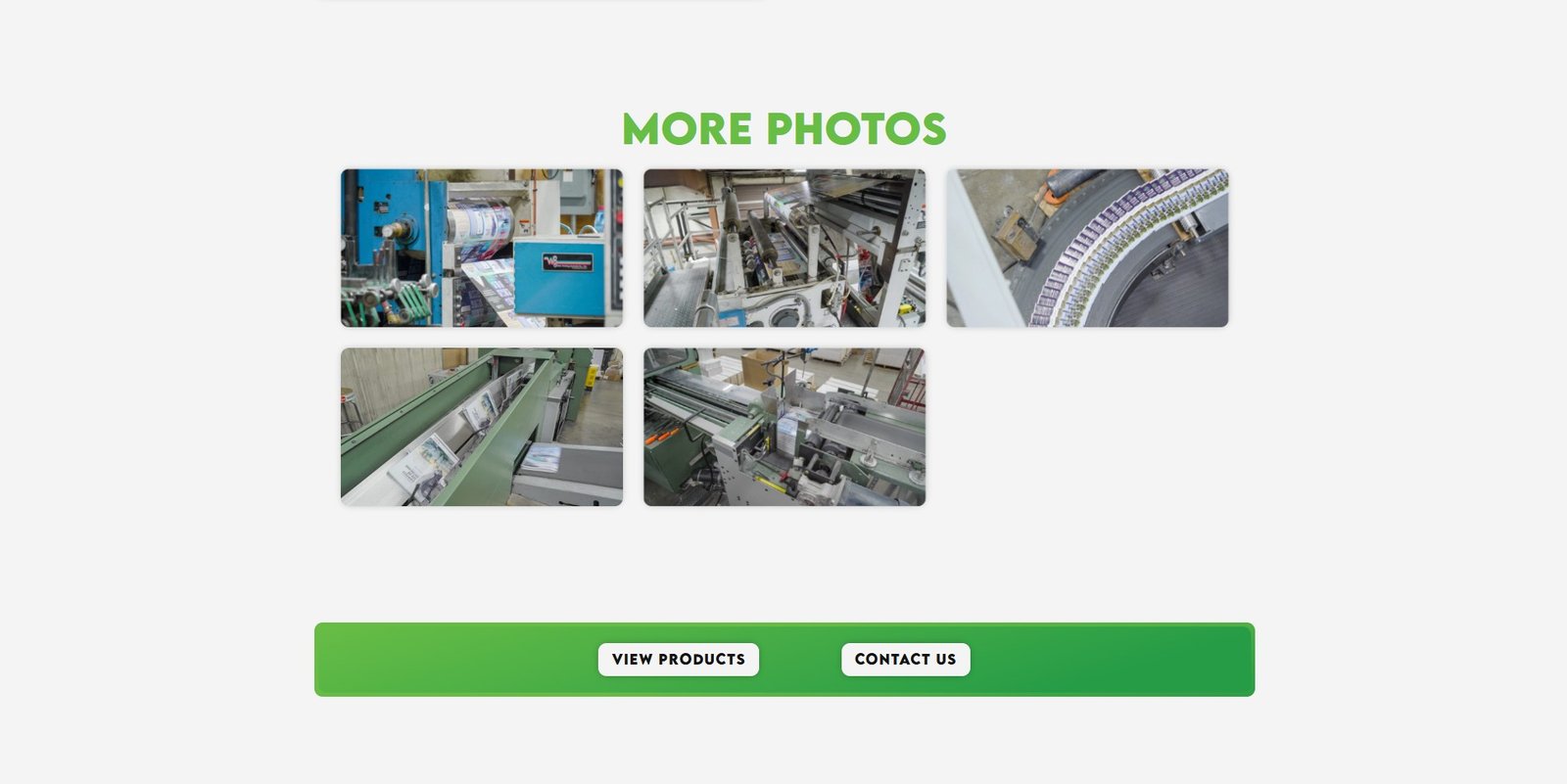
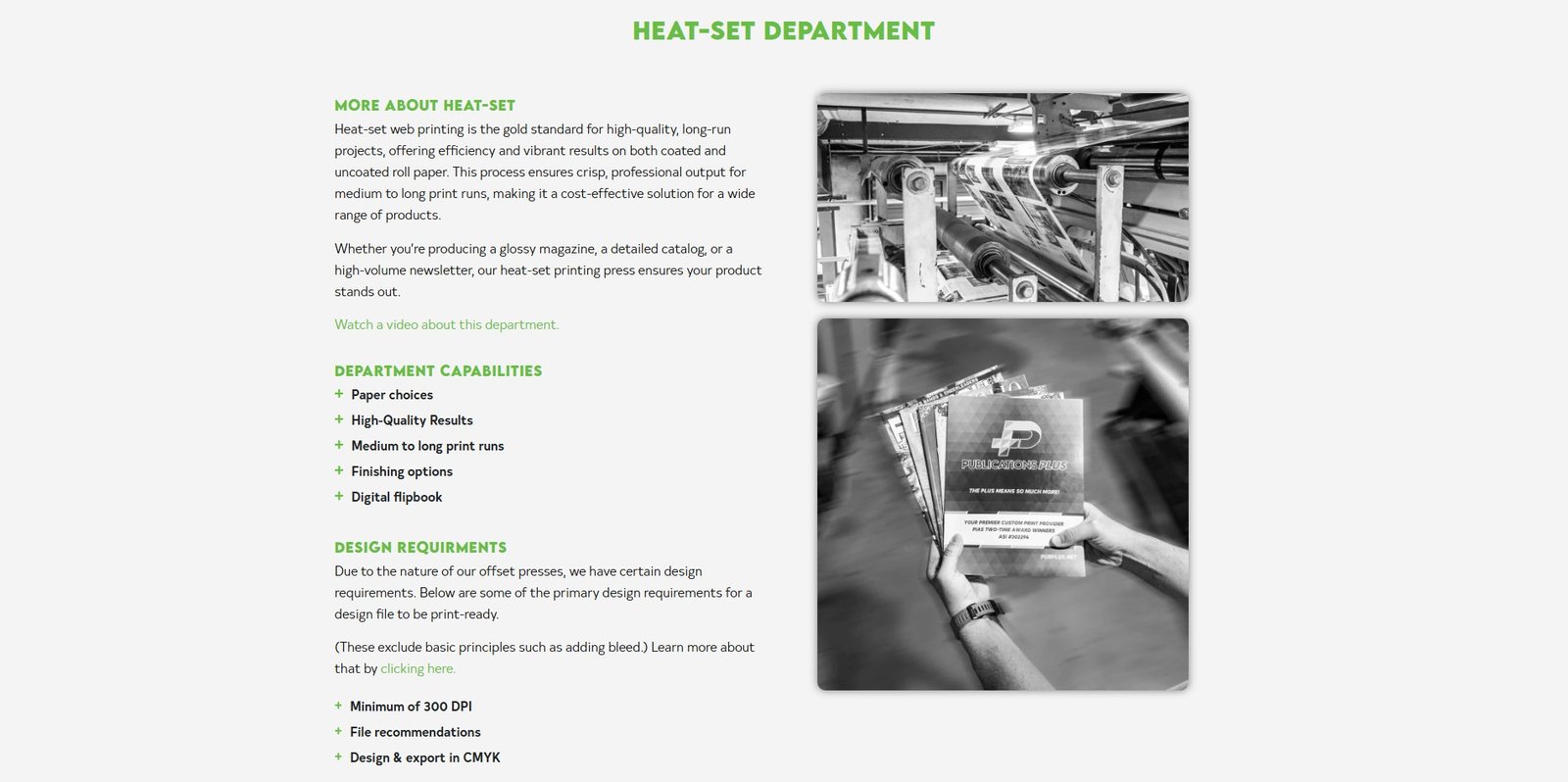
For Publications Plus, I created a feature called “Our Work Posts”. This section showcases some of their best projects and is designed to be simple yet flexible. Each post includes three sections: a main thumbnail image, an image gallery, and a brief description of the work. This approach makes it easy to organize and display content while maintaining a professional, clean layout.
Future Flexibility
A CMS also provides flexibility for future growth. If Publications Plus wants to add new features—like enhanced search, event listings, or e-commerce functionality—they can do so without overhauling the site. WordPress’ ecosystem ensures that adding these capabilities is straightforward and manageable.
Impact on SEO
Beyond convenience, regular content updates have a measurable impact on SEO and audience engagement. Adding new posts and projects helps the site rank higher in search results, attracts visitors from social media, and keeps existing clients informed about all services and offerings. For businesses like Publications Plus, this ensures customers always know about the latest products and services.
In summary, the CMS approach combined with structured content templates allows Publications Plus to maintain a dynamic, professional online presence. The site is easy to update, visually consistent, and designed to grow with the business while keeping clients engaged and informed.
Real Impact
Fast File Submission
Clients can now submit print files directly through the website in seconds, eliminating the need for Dropbox, Google Drive, or in-person delivery. This streamlines the workflow and saves time for both staff and customers.
Easy Content Updates
Adding new posts, project showcases, and product listings takes under five minutes. The WordPress CMS makes keeping the site fresh and up-to-date quick and effortless, without needing a developer.
Increased Visibility & Engagement
Regular updates and new content improve SEO, attract more visitors from search engines and social media, and ensure that clients are aware of all services offered. This keeps the website actively supporting the business goals.